Introducing Jobflow’s Calendar-Based Scheduler Enhancing Task Management for Your Business
New Work Planner
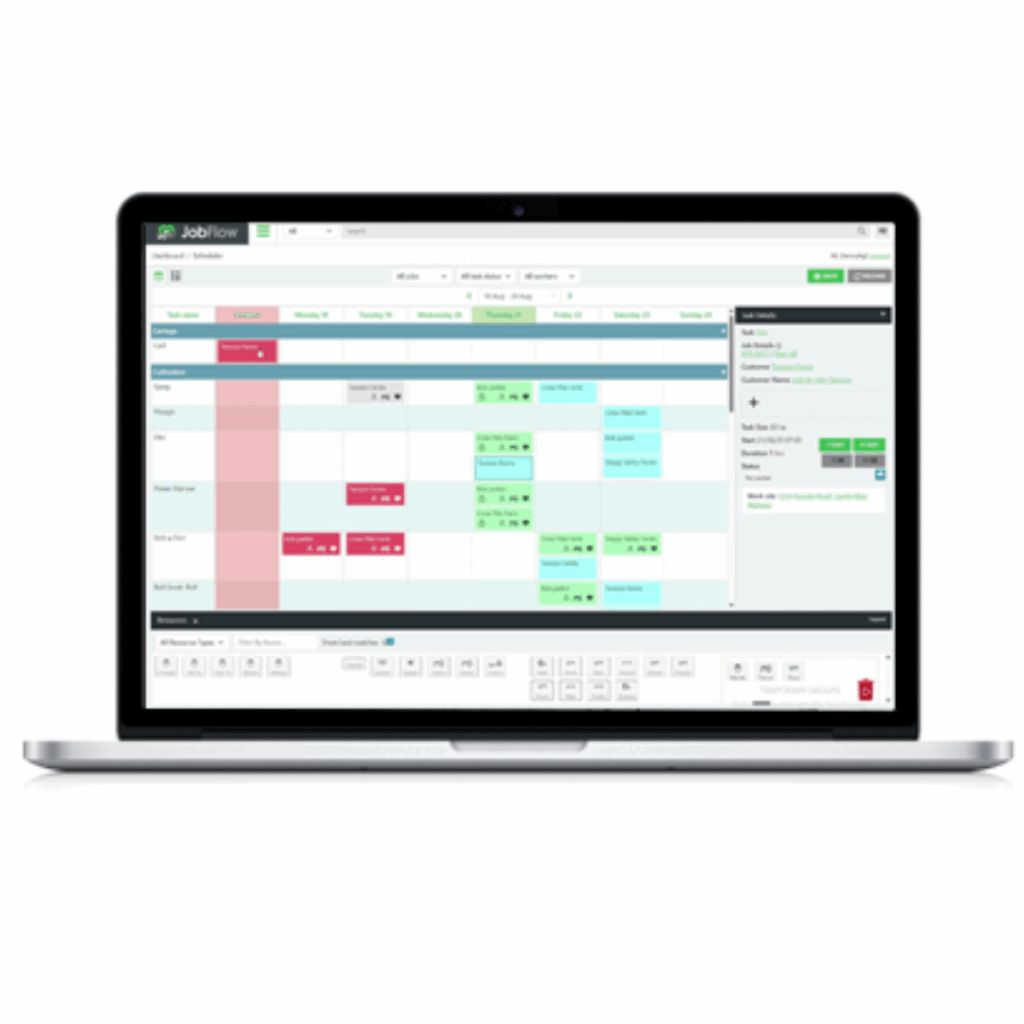
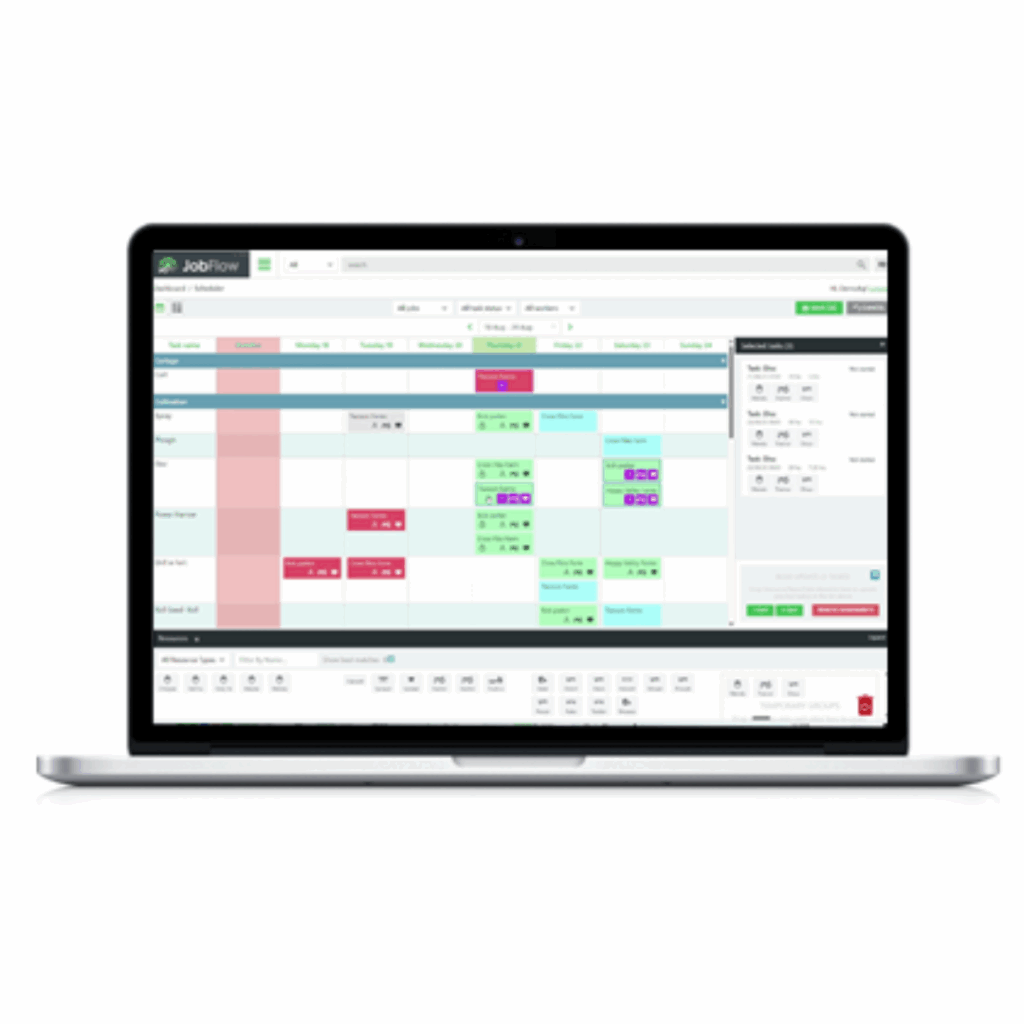
This new, powerful calendar-based task scheduler allows you to quickly see what work is planned this week by job, task, and day. Providing quick reference to what work is planned, in progress and complete for what customers, along with which resources are assigned to the work throughout the week.
Any overdue tasks are brought forward into the overdue column from previous weeks, where the task can be quickly reassigned to a new day by a simple drag and drop action, with resources also able to be rapidly assigned to a single task or multiple tasks by dragging from the resource window.
Job Details
Clicking on a task on the calendar opens the Task Details window, where you can review all job details, including job number, size, customer, site, and assigned resources.
Also, clicking on the Job Details “view more” link also allows quick reference to all tasks and resources for the entire job or site, if clicking “view more” on the site panel.
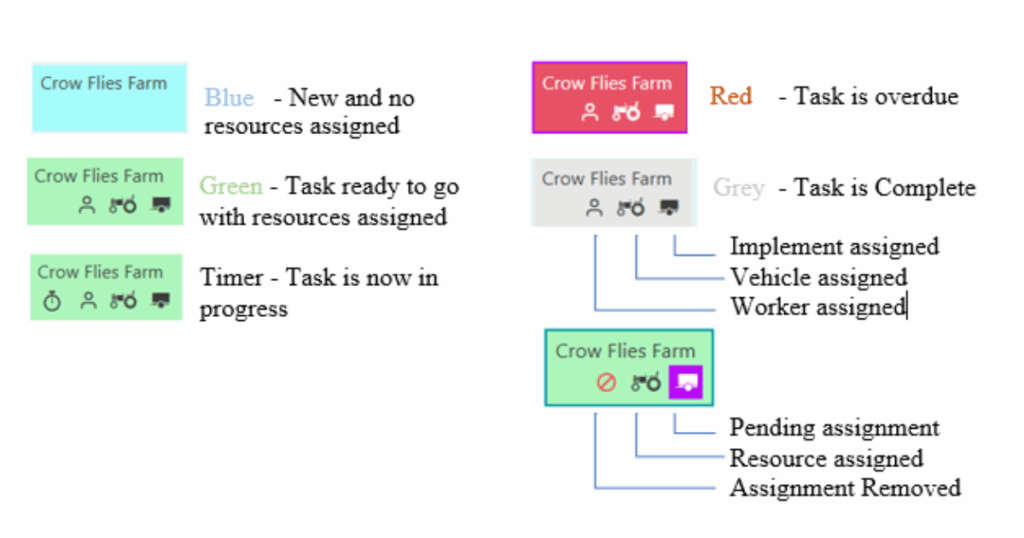
New colour scheme to indicate Task Status
A new colour scheme has been applied to provide quick reference to the status of a task as follows:
New Release Menu
What’s new in release 7.8.0:
New drag and drop calendar-based Task Scheduling Work Planner
Improved Scheduler date range and filter selectors
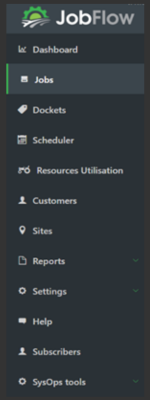
Revised menu,
Jobs pages are now united with a list and calendar view selectors.
Scheduler now with calendar and list view selectors
Task previewer renamed Resources
Dockets moved up under jobs
Next targeted release: End of September
Improved iOS app with Team leader job functionality.